
Tashkent transit map
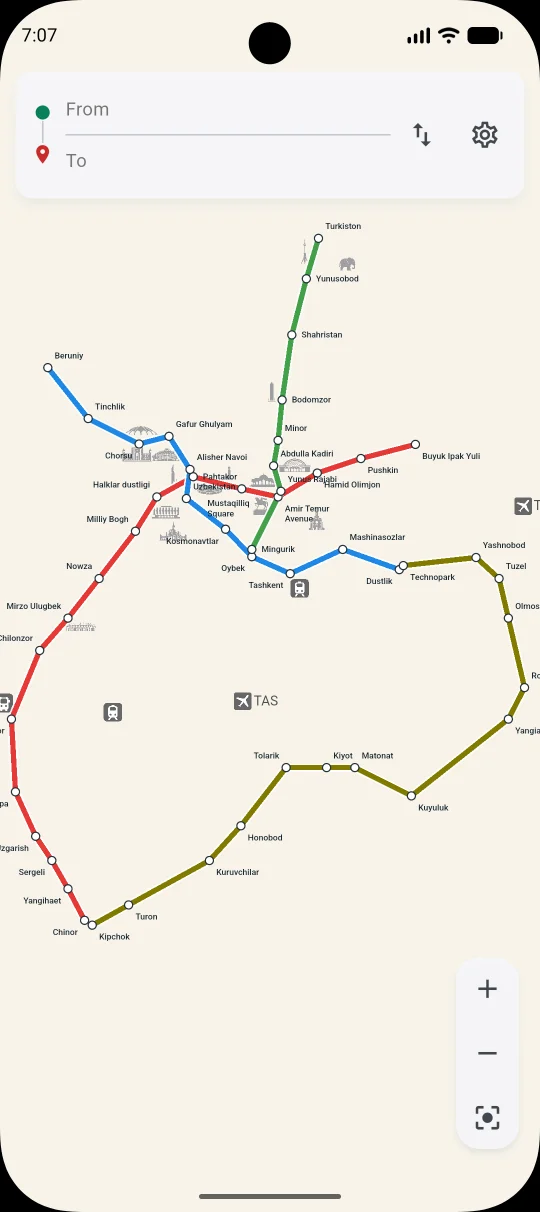
Zoom and move around a clear interactive map to explore stations, lines and connections.

Tashkent transit, made clear
Explore Tashkent’s metro and rail network and find a convenient route between stations with a clear, easy-to-use transit map.
No account required. The map and route information stay available on your device for offline planning.
Built for every journey
Zoom and move around a clear interactive map to explore stations, lines and connections.
Choose a starting station and destination to find a convenient journey through the rail network.
Tap any station to use it as your starting point or destination.
Search stations by name and select departure and destination from a simple list.
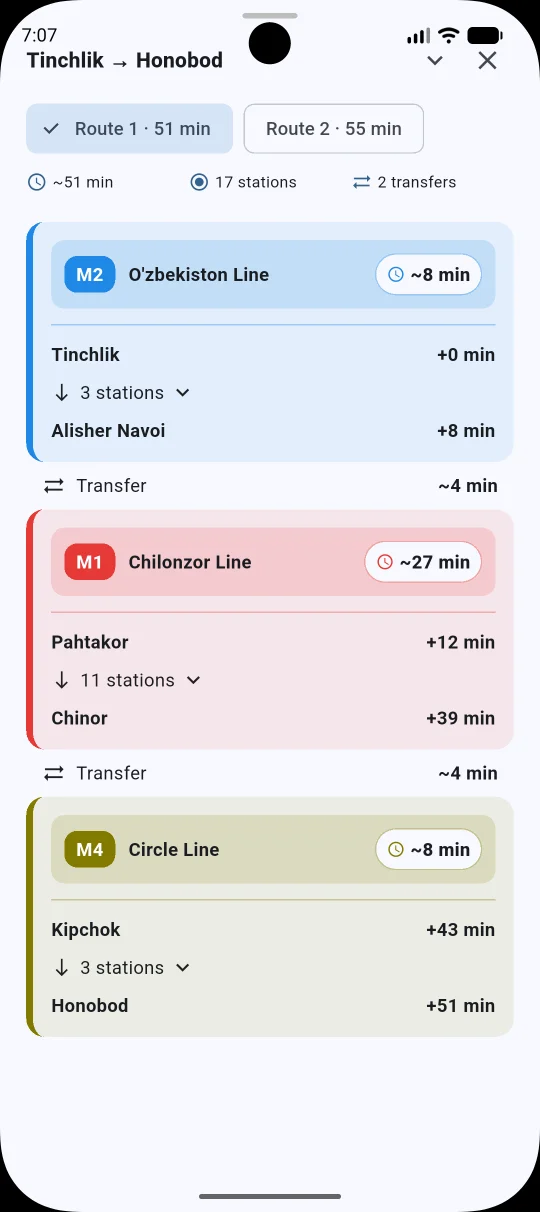
See where to change lines and follow every part of the journey step by step.
Explore Tashkent’s metro lines and other supported urban rail connections in one place.
Understand the network quickly, even when you are visiting Tashkent for the first time.
Display station and line names in supported languages for easier international travel.
Plan a journey without a constant internet connection using data stored on your device.
Inside Metrio
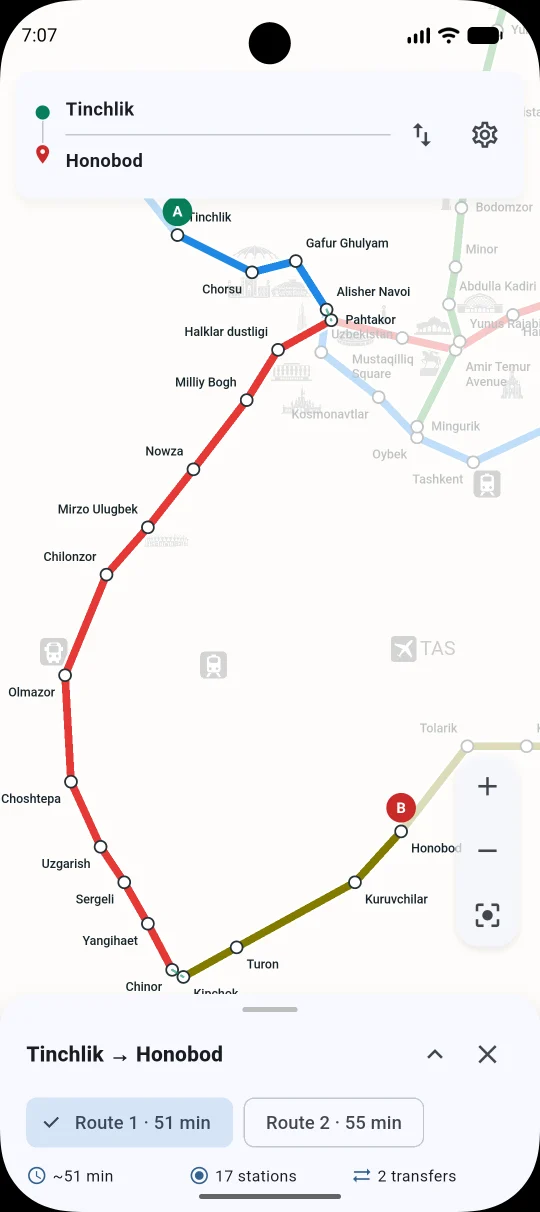
Explore the network, compare suggested routes and follow each leg of your journey.
How it works
Choose stations on the map or from the list and let Metrio organize the journey.
Open the Tashkent transit map.
Choose your starting station on the map or from the station list.
Select your destination.
Review the suggested route, stations, lines and transfers.
Follow the highlighted route on the map.
Good to know
Yes. The map and route information are stored on your device, so core journey planning works without a constant connection.
Tap stations directly on the map or search and select them from the station list.
Yes. Suggested routes show the lines, stations, transfer points and each step of the journey.
No. Metrio is an independent application and is not affiliated with or endorsed by Tashkent Metro or local transport authorities.
Good to know
Metrio is an independent application and is not affiliated with, endorsed by or an official application of Tashkent Metro or local transport authorities.
Transport information may change. Always check official sources for service changes, closures and other important travel updates.
Metrio · Internal testing
Join the internal test and plan your next metro journey with Metrio.
Google Play · Internal testing